How To Use
1
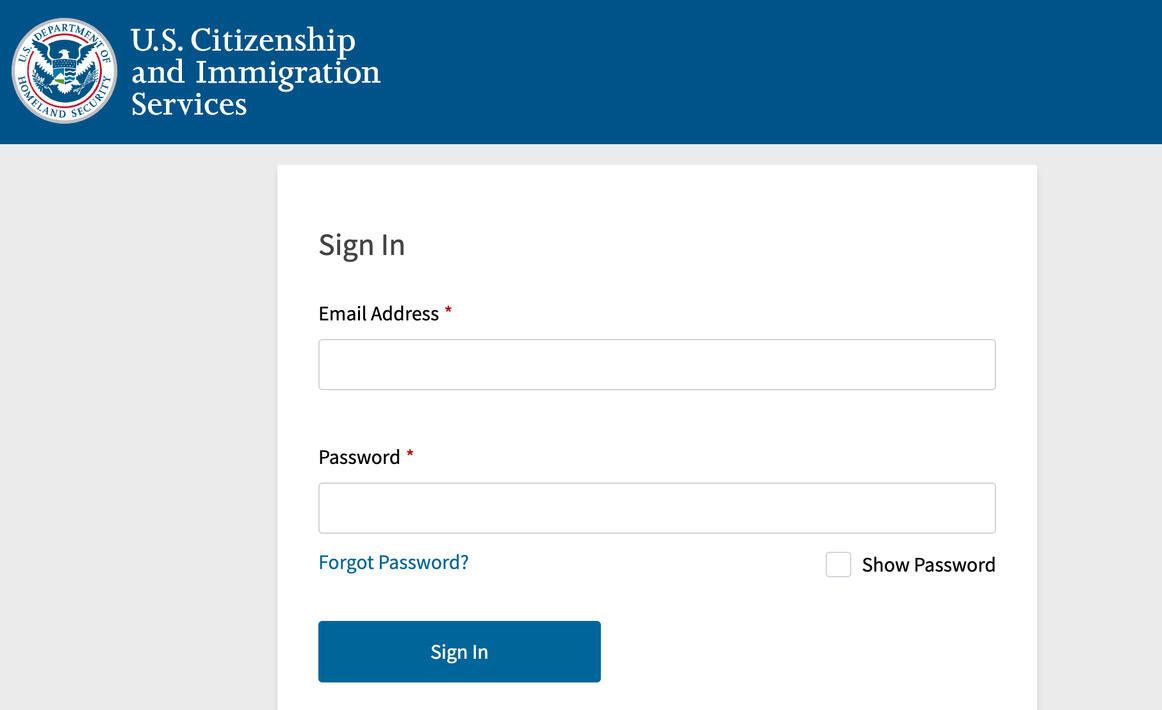
Login to your USCIS Account
2
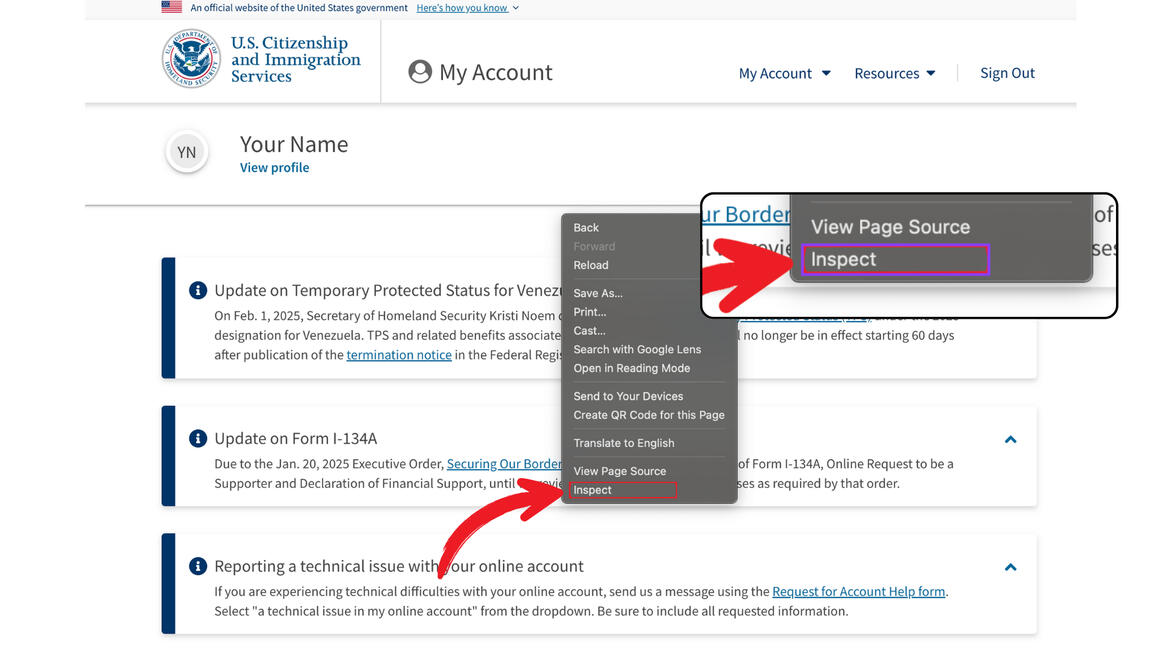
After you are logged in, simply right click on the website and choose "Inspect"
3
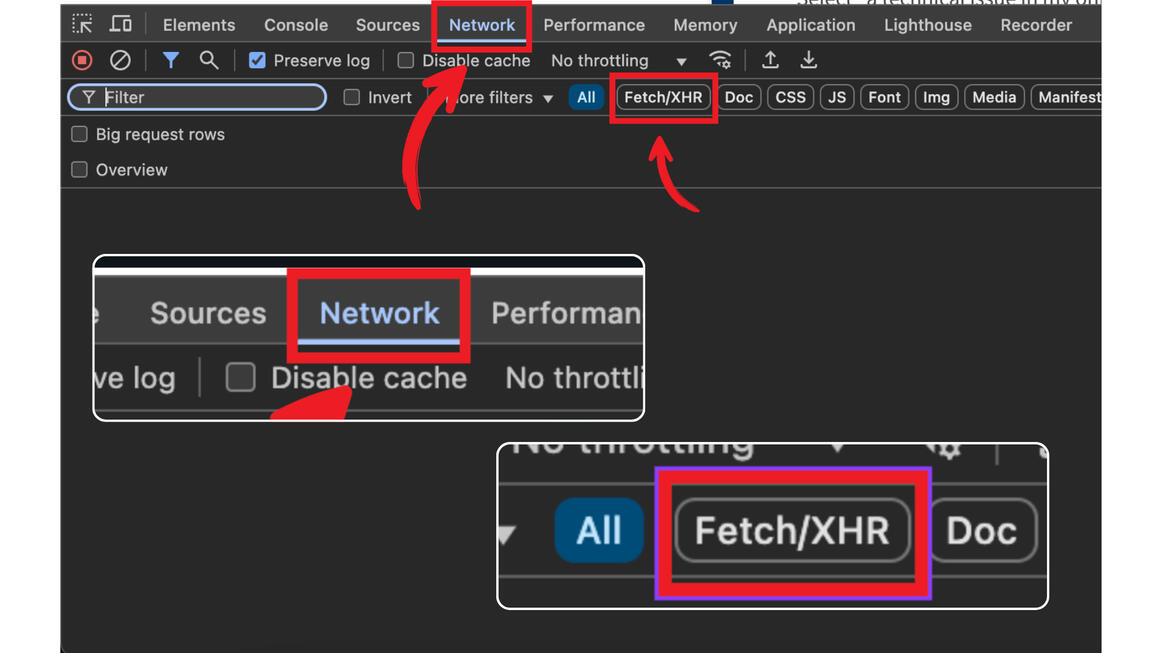
The Developer Tools window should now be openAt the top, choose "Network" and then choose "Fetch/XHR"
4
Refresh the website. You should see a lot of things similar to the screenshot appearing in your Developer Window.
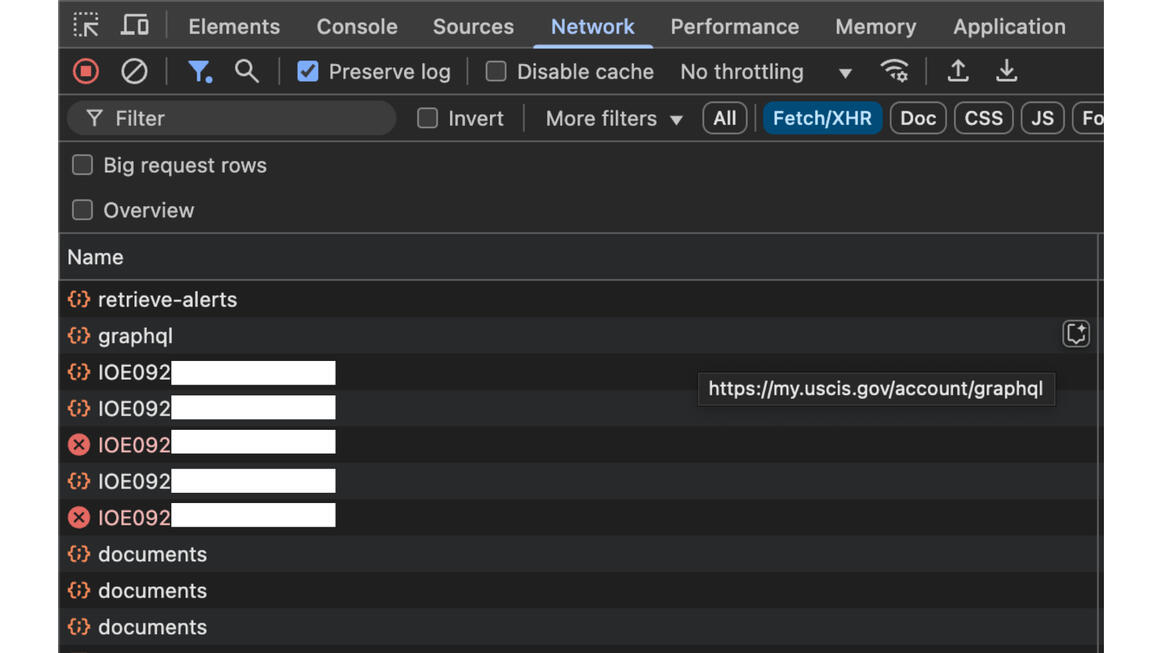
5. Most Important
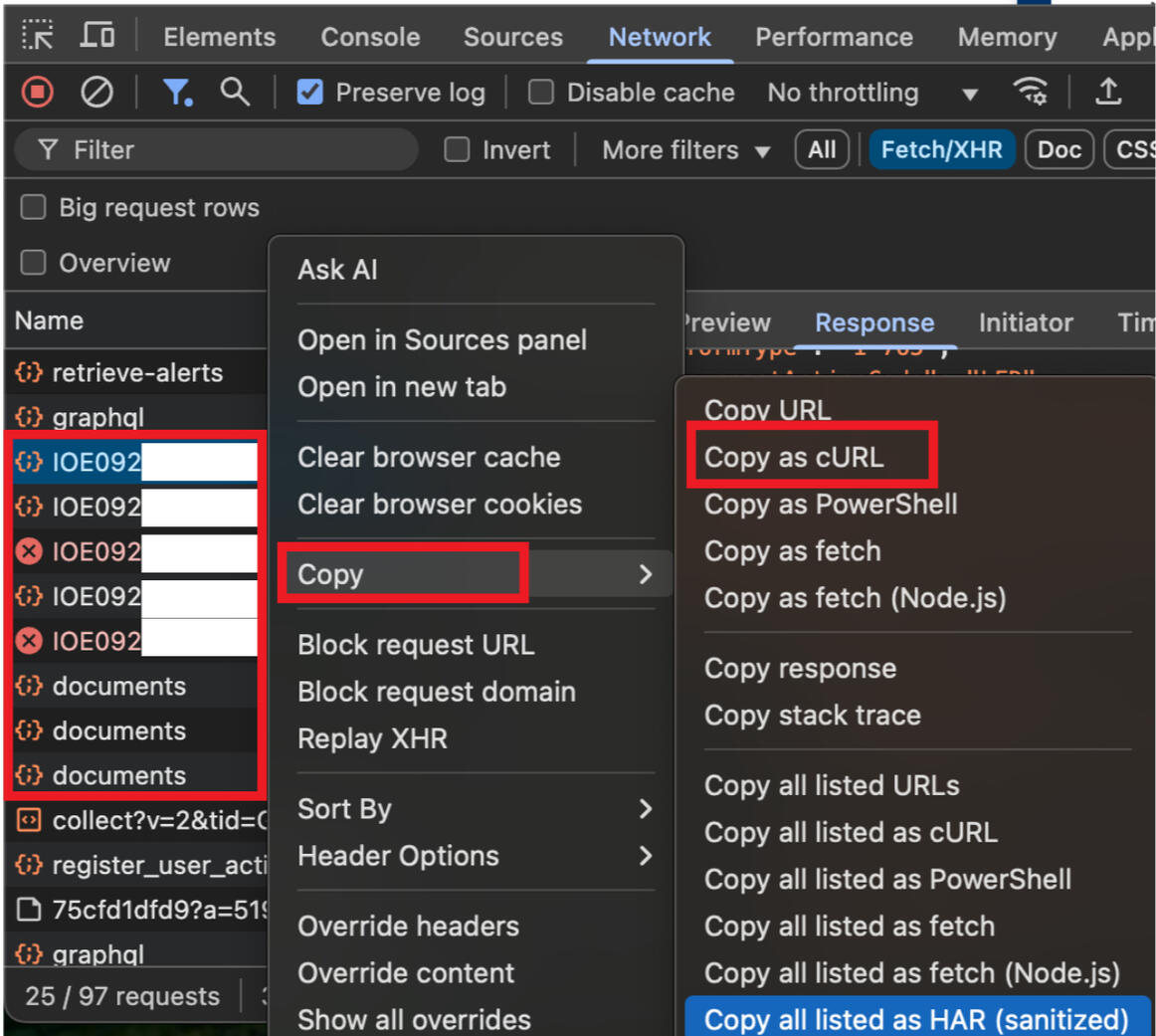
1. Find any of your cases receipt numbers2. Right click on the case number3. Choose Copy > copy as cURL